

Deepfake detection software is worth it mainly when you face repeated, high-stakes exposure to manipulated media, such as monitoring public figures or reviewing election material at scale. It is not a stand-alone test of what is true. The UK government’s working definition describes a deepfake as AI-generated or manipulated audio-visual content that misrepresents someone or something, and it acknowledges that no universally accepted definition exists. Treat a detector’s result as a signal that something needs a closer look, not as a verdict on whether a clip is real.
The limits matter as much as the promise, so be realistic before you buy. In a six-month pilot before England’s May 2026 elections, Electoral Commission tools processed about 3 million online posts and identified 219 political deepfakes, yet only 15 met its electoral-integrity risk threshold. The Commission was clear that detector outputs cannot be treated as definitive and that decisions about electoral threat must rest on human judgment. Price is the other variable. Ongoing profile monitoring plans typically start around $49 a month and can reach $399, while enterprise API pricing usually requires a sales quote. Ask yourself whether your exposure is frequent and consequential enough to justify that spend, and whether you have people who can review what the software flags.
Key Takeaways
- If you face repeated, high-stakes exposure to manipulated media, such as monitoring public figures or reviewing election material at scale, you should consider deepfake detection software, but if you only meet a suspicious video now and then, a careful look at the original source is usually more useful than a subscription.
- You should treat a deepfake detector’s result as a signal that a file needs a closer look, not as a verdict on whether it is real, since the Electoral Commission’s six-month pilot before England’s May 2026 elections flagged 219 political deepfakes among about 3 million online posts yet found only 15 that met its electoral-integrity risk threshold.
- You should expect detection accuracy to be lower in practice, because a UK government market report estimates that accuracy typically drops by 10 to 20 percent when tools move from laboratory testing into real-world conditions, so ask any vendor for results on media resembling yours.
- You should weigh monthly plans for ongoing profile monitoring, which typically run from about $49 to $399, against whether your exposure is frequent and consequential enough to justify the spend and whether your team has people who can review what the software flags.
Is Deepfake Detection Software Worth It? The Short Answer
Deepfake detection software is worth considering when your exposure to manipulated media is both repeated and high-stakes. A newsroom checking viral clips every day, a campaign team tracking fake videos of its candidate, or an election body reviewing political content at scale all fit that profile. If you meet a suspicious video only once in a while, a subscription rarely pays for itself, and a careful look at the original source is usually more useful.
The software is not a stand-alone test of what is true. The UK Department for Science, Innovation and Technology defines a deepfake as AI-generated or manipulated audio-visual content that misrepresents someone or something, and it acknowledges that no universally accepted definition exists. That disagreement matters, because a tool built around one definition may draw its boundaries differently from another.
Most detectors use machine learning to flag manipulated media without comparing it against an original file. The U.S. Government Accountability Office notes that accuracy can fall when lighting, facial expression, media quality, or generation methods differ from the data a tool was trained on. A tool may therefore handle a familiar video well and miss a clip made with a generator it has never encountered.
A UK government market report adds a practical warning. Interviewees estimated that detection accuracy typically drops by 10 to 20 percent when tools move from laboratory testing into real-world conditions, and the report notes that providers’ accuracy claims often lack independent validation. Ask any vendor for results on media resembling yours, not just its headline score.
Provenance standards take a different route. The Coalition for Content Provenance and Authenticity’s C2PA specification records where a file came from and validates those claims, rather than judging whether the content itself is genuine. It complements forensic detection rather than replacing it.
The rest of this article keeps two questions apart. The first is whether buying a tool makes sense for your situation, which depends on how often you face risk and who will review the results. The second is how products differ in design, which the later sections use as illustrations rather than endorsements.
Matching Your Situation to the Right Kind of Tool
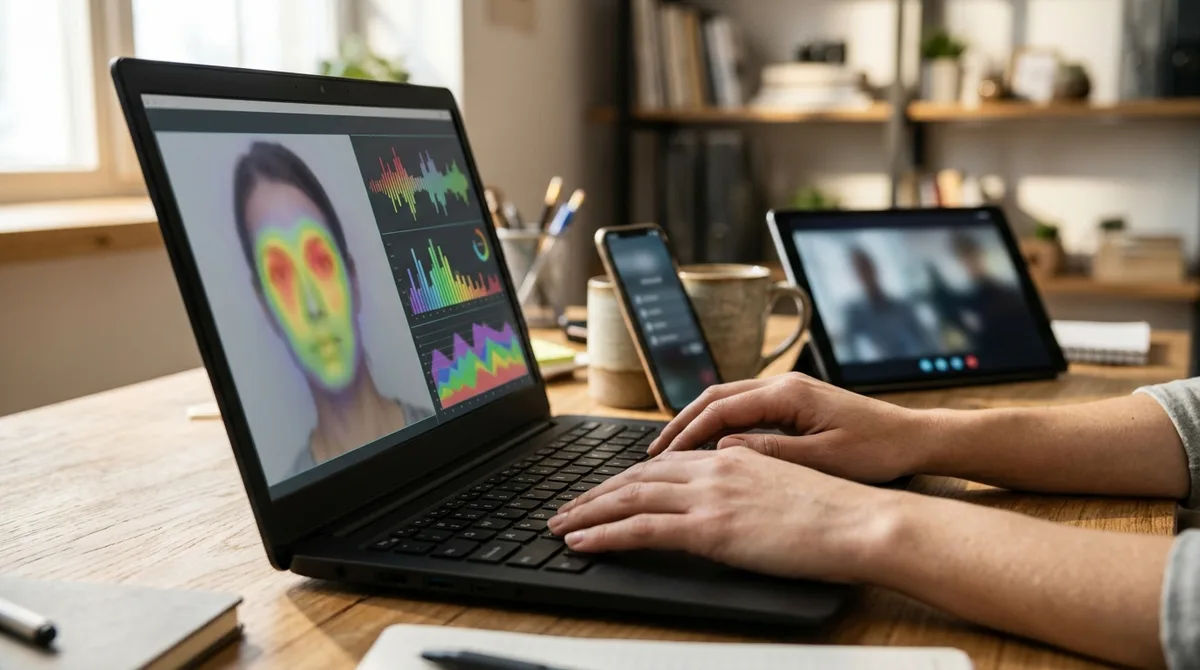
Start with the workflow rather than the product. A single suspicious video sent to a newsroom desk is a different problem from a contact centre handling thousands of calls, and the tools built for each rarely substitute for one another. Uploaded files are usually checked one at a time, which suits an editor who needs a second opinion on one clip. Live calls and video meetings need systems that analyse audio or video during the conversation, so speed and integration with the phone or meeting platform matter more than a detailed report. High-volume content moderation depends on fast screening and on how flags reach a human review queue. Identity verification asks whether the person on camera is a live human during onboarding, while forensic investigation asks whether a file was altered and how.
Most products in this space are enterprise tools, not self-serve checkers. Their pricing often requires a sales quote, and their APIs are designed for developers who connect them to existing systems. Some vendors offer free trials, commonly lasting 30 or 90 days, or a free public checker for individual files. As a general market figure, monthly plans for ongoing profile monitoring typically run from about $49 to $399, while enterprise API pricing often sits outside any published range.
Two questions usually decide the choice more than any feature list. The first is who will act on the result. A moderator removing a post, a bank analyst pausing an account, and a journalist holding a story each need different information, and a bare score rarely gives any of them enough to act on. The second is whether the finding must hold up as evidence. If it may be disputed in court, in a regulatory inquiry, or in a public correction, you will need a documented review process and a record of how the file was handled. If nobody depends on the answer, a free checker and a careful look at the original source may be enough.
Deepware Scanner: A Free Starting Point for Single Videos
If you want a free place to start, Deepware Scanner is one of the simplest options. It checks video only, and its model looks for manipulated or swapped faces. It does not analyze whether the voice has been altered, and it does not scan images or text. You upload a video or submit a supported link from YouTube, Facebook, or Twitter, and you receive a probabilistic assessment. Because it works after upload, it cannot monitor a live call or meeting while the conversation is happening.
It is best suited to a single clip, such as a journalist checking one viral video before publishing. Deepware’s FAQ sets a maximum scan length of 10 minutes and recommends a resolution of at least 1920 × 1080. The public scanner is reported as free, although a January 2026 TechTarget guide notes that it lists no API pricing or paid plan. Deepware also offers a web platform, an API that can be integrated into other platforms, and an SDK that the company says can run offline. An Android app is available, but iOS availability was still in progress when the FAQ was published, so check the current status.
The main drawback is that a result is a probability, not proof. The FAQ says a video without a detected face can return “NO DEEPFAKE DETECTED (50%),” so a score can look reassuring when little evidence sits behind it. A February 2025 comparative study reported a 93.47% average success rate on Celeb-DF v2 videos, but that result applies to one dataset and is not a guarantee for your content. Deepware directs users seeking accuracy details to its GitHub page, so compare any published figures with material resembling yours.
Sensity AI: Forensic-Grade Analysis for Investigations

Sensity AI is a forensic-oriented detection product for images, video, and audio. It combines visual, voice, metadata, and file-structure analysis, so an assessment can draw on more than the picture or sound alone. In its main workflow, you upload a file or provide a public URL through the web platform or the API documentation, then receive a verdict marked suspicious or valid, with confidence scores and visual explanations. Uploads of up to 500 MB are analysed asynchronously, and results can be retrieved by polling or by webhook.
Live meetings are handled separately. Sensity’s Microsoft Teams app captures 30 seconds of audio and video from participants, so a face must be visible for video analysis and a participant must speak for audio analysis. It also requires organisation-level installation permissions and a Sensity account with a trial or paid subscription, so it is not a casual add-on.
Sensity positions the product for organisational investigations, fraud teams, and identity-verification workflows. The layered reports suit specialist teams that must document how a file was assessed.
The drawbacks are practical. Enterprise setup takes planning, pricing is arranged through a sales process rather than a published rate card, and the accuracy figures come from the vendor. Listing in the NIST catalog does not mean a tool was tested. Ask for independent results on media like yours before relying on a score.
Reality Defender: One Vendor for Calls, Meetings, and Files
Reality Defender is an enterprise platform rather than a consumer checker. It analyzes live and recorded speech, video frames, sound, and images for signs of AI generation or manipulation. The company aims it at enterprises, governments, and technology platforms, with uses that include contact centre fraud review, identity-verification workflows, and media investigations.
The platform is split into separate products for different entry points. RealScan lets analysts upload suspicious audio, video, and images in a browser and review an Authentic, Suspicious, or Manipulated result. RealCall analyzes live-call speech for cloned voices and AI callers, then sends likelihood scores to the systems handling the call. RealAPI accepts submitted media through REST or SDKs for Python, TypeScript, Go, Rust, and Java, and RealCall can start in listen-only mode through a contact centre’s session border controller.
Reality Defender presents its outputs as signals for review, verification, or routing, not as a final judgment about truth or identity. RealScan also notes that some files cannot be evaluated.
The drawbacks are practical. Running several products means more setup and more integration work. Pricing is also less clear than it first appears. The RealAPI pricing page lists a free plan with 50 monthly image and audio scans and a Business plan at $399 on annual billing, while RealScan’s FAQ describes the free allowance as 50 image scans only. Check the official site for current terms. Accuracy figures come from the vendor, and the UK government’s market report warns that detectors often use inconsistent metrics and test datasets. Test the tool on your own media, and make sure a trained reviewer checks every flag.
Resemble AI DETECT: Explanations for Developers and Trust Teams

Resemble AI DETECT is built for developers and trust teams that need to check cloned audio, face swaps, and video across image, audio, and video files. Its streaming analysis covers live audio, but its documentation does not describe live video-call analysis as a DETECT workflow. Resemble’s contact-center offering targets fraud prevention in healthcare, financial services, and insurance.
The tool suits fraud, compliance, legal-review, and trust-and-safety teams. You can use it through a web platform or a REST API with Python, Node.js, and JavaScript SDKs, and on-premises or air-gapped deployment is offered as an enterprise option. Batch processing handles up to 50 files at a time.
What sets DETECT apart is that a verdict comes with explanations, including flagged artifacts, frame-by-frame heatmaps for video, and optional checks for Resemble watermarks and SynthID. Pricing starts with a Flex plan at $0 per month, billed by usage at $0.035 per audio second, $0.035 per image, and $0.070 per video second, though Flex excludes batch uploads and files over 150 MB. The Team plan is listed at $350 monthly or $280 monthly when billed annually. Check the official site for current rates.
The drawbacks are real. Your developers must build and maintain the integration. Resemble’s benchmark reports 95.8% average image accuracy and 98.2% average video accuracy on 1,000 files per modality, but these are vendor-published figures, so test them on media that resembles yours. Test real-time performance under your own call conditions as well.
Pindrop Pulse: Voice-First Protection for Phone-Heavy Organizations
Pindrop Pulse is enterprise software that grew out of Pindrop’s voice authentication and contact-centre fraud work, and it now covers video meetings too. Pulse for Meetings analyzes live audio and video for liveness and suspected AI manipulation, and it integrates with Zoom, Microsoft Teams, and Cisco Webex. For phone traffic, Pulse for Contact Centers examines live call audio for synthetic-speech signals. Pindrop says it can detect deepfake audio in two seconds and adds that signal to Pindrop Protect or Passport workflows.
It is built for fraud, authentication, security, and recruiting teams, not for someone who wants to upload one image or clip. Pindrop’s public materials do not document an uploaded-file, standalone-image, or on-device scanning workflow, nor a public API or on-premises option. Organizations with heavy phone traffic, such as banks or insurers handling constant customer calls, are the natural fit.
Meeting analysis goes beyond the sound of a voice. Pulse can passively compare a participant’s voice with an enrolled voice, and it surfaces location and VPN risk signals, so a suspicious login is judged on more than audio alone.
The drawbacks are real. Pindrop publishes no list price, free plan, or trial terms, and its pages direct buyers to request a demo. Its claim of up to 99% accuracy with under 1% false positives comes from its own testing. On the Podonos benchmark of 4,524 audio clips, Podonos’s audio deepfake benchmark recorded 95.05% accuracy for Pindrop. However, vendors submitted prediction files for commercial entries, so that result is not a live-call test.
GetReal Security: Identity Defense With Explainable Findings
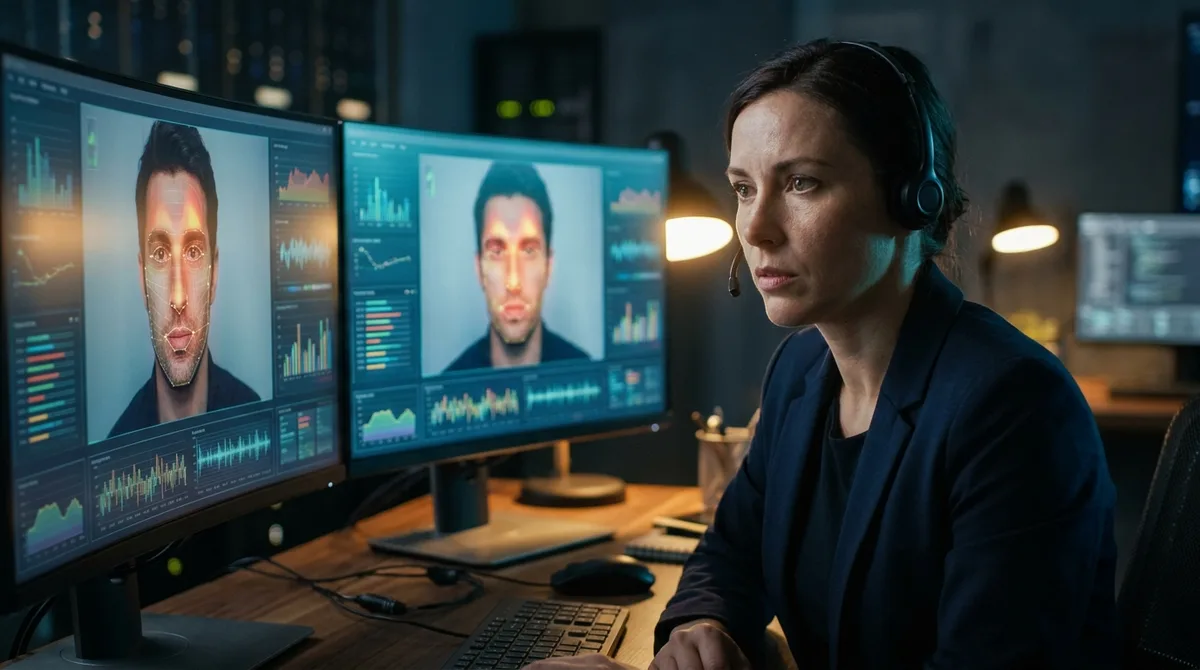
GetReal Security is an enterprise identity-defense and digital-forensics platform, not a general-purpose checker you can use on its own. Its Protect product analyzes people during live video and voice interactions and runs continuous identity checks during calls. Its Inspect product examines image, audio, and video files for manipulation and presents explainable findings, with API integration available. Protect also offers meeting replay and evidence, configurable host prompts, optional automatic ejection of participants, and an Identity Threat Graph that maps affected meetings and users.
The company aims the platform at candidate-fraud screening, IT service-desk and account-recovery protection, customer contact-centre fraud, and executive impersonation. A recruiting team interviewing remote candidates or a service desk resetting a caller’s password are typical fits. A complimentary 90-day Protect trial was offered to eligible organizations, with an application required. GetReal does not publish prices, and an independent review reports that buyers must request a demo to receive a quote. Check the official GetReal Security website for current trial terms and meeting-platform coverage.
The drawbacks are practical. Enterprise onboarding takes time, and the cost arrives as a quote rather than a monthly plan you can switch on yourself. The platform page calls Protect fast and accurate but gives no numerical accuracy or false-positive rate, so test those claims on your own meetings and files. Findings should also be read alongside human review, especially when a flag could affect a hire, an account, or a payment.
X-PHY Deepfake Detector: On-Device Checks Without Cloud Upload
X-PHY Deepfake Detector is endpoint software that runs on your own device and checks what appears on your screen. The vendor says it analyzes live video conferencing, streaming video, still images, and audio, and it looks for visual and audio anomalies during calls or streams. Because analysis happens locally, media is not sent to a cloud service, and detection screenshots or results can be saved on the device and exported for investigation. The software needs internet access at first to authenticate its license.
The company positions the product for organizational security rather than a forensic lab or a contact-centre API. Its stated use cases include finance and fraud prevention, HR recruitment checks on candidate videos, and executive protection, such as spotting impersonation in leadership communications. The released version is a standalone app that the user activates, not a component you connect to existing systems.
The product page lists pricing from $29 per month and a free 30-day trial, but the linked eStore shows $0.00 and marks the product out of stock. Check the official site for current pricing and availability. Practical limits matter. A detection run is capped at one minute and must be restarted for more analysis, and the minimum video resolution is 1920 × 1080. The software supports Windows only, not virtual machines or server deployment. Its FAQ reports up to 90% accuracy and roughly 10% false positives and negatives in lab tests, with no industry benchmark validation, so verify performance on your own media. The product page also lists Teams, Zoom, and SIEM integration, yet the FAQ says the released version has no third-party integrations. G2 has no user reviews to consider.
Sightengine: High-Volume Screening for Uploads
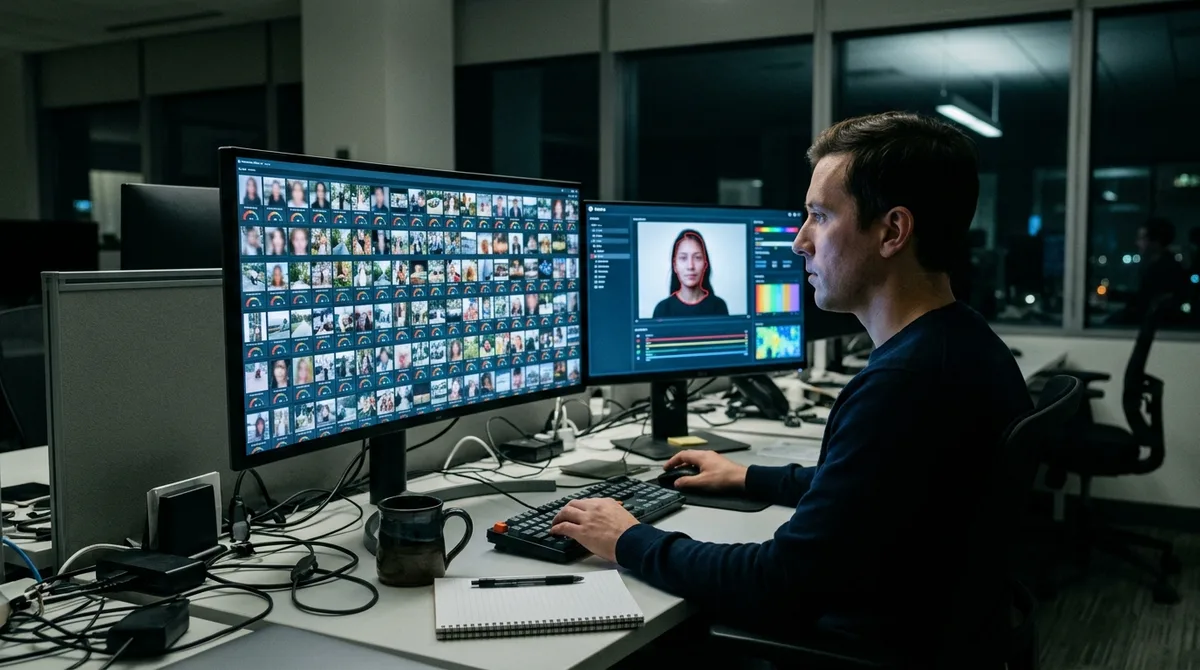
Sightengine is an API-first media-analysis service, so it is designed to sit inside another system rather than replace one. Its browser checker accepts uploaded images and videos, while its REST API, with examples in Python, PHP, and JavaScript, lets a platform screen files automatically. The deepfake model looks for swapped or modified faces in photographic media, and a separate detector covers fully AI-generated images. Through a backend integration, its video API can also analyze live streams, including video-conferencing streams, but it is not offered as a ready-made meeting or contact-centre app.
That design suits moderation and fraud-screening workflows, where many uploads need a score before a person decides what to do. Sightengine lists impersonation and fake-ID fraud among its use cases. Its deepfake score runs from 0 to 1, and scores above 0.5 typically indicate a deepfake, though the documentation advises tuning that threshold to the precision-recall tradeoff you prefer. The pricing page lists live-stream support on the Pro plan, at $99 per month for 40,000 operations, rather than on the Starter plan at $29 per month for 10,000 operations.
The drawbacks come from what a score can show. The model evaluates at most the two most prominent faces and may not score subtle retouching, such as smoothing or makeup, highly. Its output is a model estimate, not frame-level evidence showing where a file was altered. The advertised 98.3% accuracy refers to a benchmark of real and text-to-image-generated images, not to the face-manipulation model. A NewsGuard audit of Sightengine’s AI-image detector correctly classified all 15 authentic photos but caught only 5 of 15 heavily AI-altered images, so a flag should prompt review rather than settle the question.
Hive Moderation: Detection Inside a Broader Moderation Suite
Hive Moderation is now presented under the Deploy brand, though its free detection tools and documentation still use the Hive name. Its cloud tools analyze submitted images, video, and audio for AI generation or manipulation, returning confidence scores and, for some media, a likely generator. Separate visual models cover fully AI-generated imagery and face-swap deepfakes, while the audio classifier scores successive 10-second segments as AI-generated or not.
The platform is aimed mainly at Trust & Safety teams and verification workflows, such as reviewing suspicious profiles or fraud-related media. Hive’s documentation gives social-platform moderation and AI-altered insurance-claim evidence as example uses. It is not a ready-made contact-centre or forensic investigation suite. Live streams can be sent over RTMP or HLS, but the pages reviewed document no native Zoom, Teams, or contact-centre integrations. Deployment runs through a project dashboard, API calls, and browser tools such as Hive Detect, an X bot, and a Chrome extension. On-premise and on-device options are not described.
The free options are the easiest place to start. Hive’s free detection tools and its Chrome extension cost nothing, but the Deploy pricing page lists the image, video, and audio deepfake classifiers as Contact Sales, so API rates are not published there.
The drawbacks are practical. A Reuters Institute guide that tested Hive alongside other public detectors found that cropping, resizing, compression, or noisy audio can cause missed detections or misleading results. Hive’s blog cites 98.03% accuracy from a University of Chicago study, but that figure concerns image classification on the study’s dataset, not current video, audio, live-call, or fraud work. Treat each score as a signal for review, and test it on your own media before relying on it.
Attestiv: File Validation for High-Stakes Paperwork

Attestiv, now presented as DeepScan, is a business file-validation platform, not a tool for checking live conversations. It analyzes uploaded photos, documents, audio, and video, combining AI with forensic checks to look for synthetic content, manipulation, metadata anomalies, and reused files.
It is positioned for claims, underwriting, lending, fraud, compliance, and investigations. Reviewers can work through a web dashboard, or connect analysis to existing systems through APIs. Attestiv’s FAQ says its insurance product plug-ins are available for Duck Creek and Insurity, which matters if your claims or underwriting software already runs on one of those platforms. Its photo, video, and document trial directs you to contact sales and does not publish a price, so check the official site for current terms.
The drawbacks are practical. The materials describe file submission and analysis, not detection during live calls or meetings, so it cannot screen a conversation as it happens. The vendor says its models are tested to a minimum of 97% AUC, and its FAQ notes that the models cover particular anomaly types rather than every possible threat, so the figure is not a guarantee for every file or use case. A 2024 academic study tested it on ten videos, five real and five manipulated, and found that it caught the manipulated content but also flagged some real videos as suspicious. Outcomes therefore depend on the reviewer’s process, because a flag only becomes useful when someone trained checks it against the rest of the file.
ZeroFox: Monitoring and Takedown for Brand Impersonation
ZeroFox is an enterprise digital-risk protection platform, not a standalone consumer deepfake checker, so it is built for organizations that need to watch for impersonation rather than for individuals who want to test a file they already hold. Its discovery layer monitors more than 180 social, advertising, video, marketplace, and deep- and dark-web platforms, according to its official site. Collection is limited to the executives and brand assets a customer asks it to protect. ZeroFox has announced that Reality Defender’s RealAPI will provide authenticity verdicts for voice, video, and images inside its Discover, Validate, Disrupt workflow.
The platform targets security operations centers, threat-intelligence teams, brand-protection specialists, and vulnerability-management professionals, and it names executive protection and fraud prevention as relevant workflows. Each suspicious item is checked against its impersonation context and reviewed by an analyst before confirmed synthetic threats move into takedown operations. Results can flow into tools such as Splunk, Microsoft Sentinel, ServiceNow, Slack, and Jira through native connectors, webhooks, syslog, and REST APIs.
The drawbacks are practical. ZeroFox is strongest for monitoring and responding to impersonation campaigns online, and its public descriptions do not present live-call detection or a personal file-upload checker. Its blog claims a false-positive rate below 2%, but it gives no test dataset, sample size, or evaluation method, so treat that figure as vendor-reported. Pricing is tailored and not publicly listed, with no free plan or trial. A Gartner Peer Insights review was titled “Strong Brand Protection Dashboard Met With Manual Review and Data Search Delays,” and Gartner notes that such reviews are individual user opinions rather than its endorsements.
Intel FakeCatcher: Blood-Flow Signals in Video
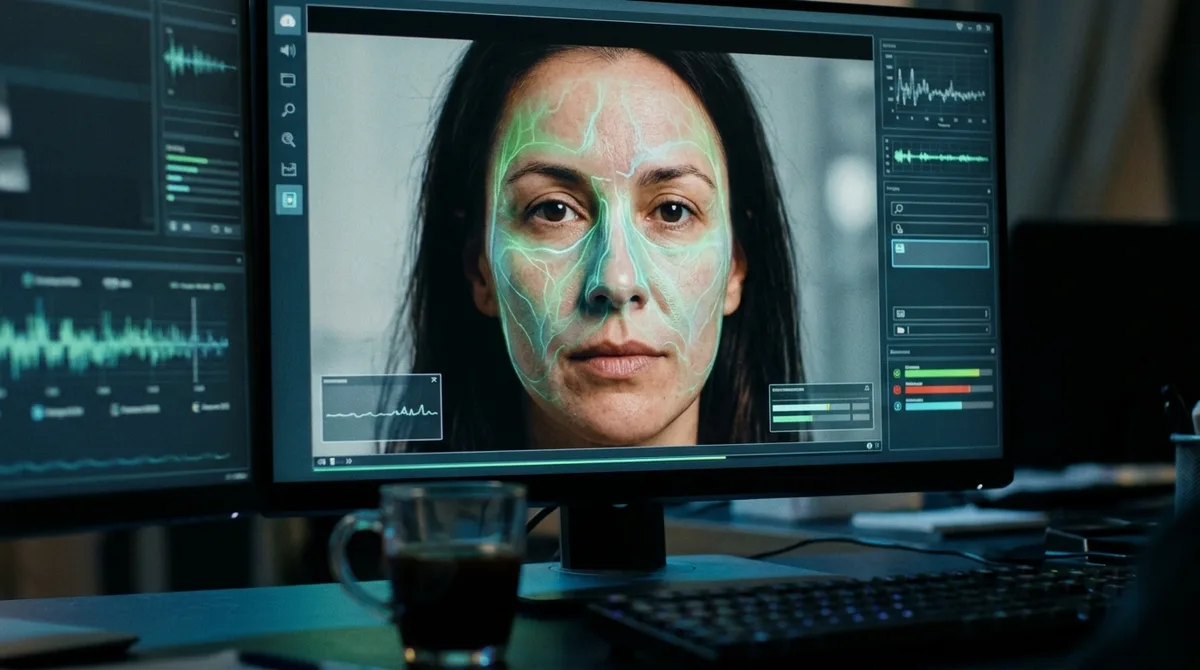
Intel FakeCatcher is a research-stage detector for video. It looks for a signal that is hard for many fakes to reproduce: the faint colour changes caused by blood flowing under the skin of a face. The system analyzes video pixels for these subtle facial blood-flow signals, converts them into maps, and uses deep learning to classify a clip as real or fake. It works only on video, so a cloned voice, a still photo, or an arbitrary uploaded file falls outside its scope.
Intel has described FakeCatcher as a server-based system reached through a web platform, not an app you install on your own device. Its potential users include social-media platforms, news organizations, and nonprofits. Intel’s official FakeCatcher page now presents it as a demonstration rather than a clearly packaged product. That page does not publish a price, a free plan or trial, an API, named integrations, or a self-service sign-up route, so check it directly for current availability.
The drawbacks are significant. Because Intel’s official page presents a demonstration and access is not self-service, FakeCatcher is not a practical purchase for most readers today. A newsroom or platform team interested in it would need to reach out to Intel, while most people are better served by tracing a clip back to its original source.
Veridas: Manipulation Risk Inside Identity Checks
Veridas is an enterprise identity-verification platform, not a general deepfake checker for arbitrary uploads. Its facial deepfake algorithm analyzes still images and video as part of liveness and identity checks, and it combines that result with other anti-spoofing technologies into an overall liveness confidence score. A separate product, Voice Shield, is aimed at contact centres. It analyzes three seconds of call audio sent to its cloud service by API and returns an authenticity verdict in 0.14 seconds.
Veridas is built for onboarding and authentication teams, who need to know whether a live person is presenting a genuine identity. That is a narrower question than whether a file was edited. Buyers typically connect the capabilities through cloud APIs and capture SDKs. XpressID is offered as a packaged onboarding option that the company says can be integrated in two weeks. Image-integrity scores require SDK version 4.0 or later, or XpressID, and advanced injection detection requires XpressID. Public pricing is not listed, and the official site directs prospects to request a demo, so check Veridas for current availability.
The drawbacks are practical. The documented facial workflow is tied to verification and SDK-captured evidence, so Veridas is less suited to a standalone content pipeline that screens arbitrary files or monitors video meetings. Its published facial figure, a maximum APCER of 15.31% at a BPCER of 0.31% in the das-Face 3.7 documentation, is vendor-reported rather than an independent comparison, and that page also contains legacy deprecation notes. Test the performance under your own capture conditions before relying on it.
iProov: Live Liveness Checks for Login and Onboarding

iProov is an enterprise biometric identity-verification service, so it is built for onboarding and login rather than for checking arbitrary files. In its usual flows, a person completes a live face capture, and iProov analyzes that capture for presentation attacks such as photos, videos, masks, and deepfakes. It also checks the device for injection signals, including virtual cameras, emulators, and modified code, and it can match the face against an enrolled identity. Its Dynamic Liveness option uses patented Flashmark screen illumination and the reflection it creates on the face as a passive presence check, which iProov says is designed to mitigate deepfakes and face swaps.
The product suits identity and fraud teams that need to confirm a remote user is a live person at sign-in. Its integration documentation describes backend API calls for starting and validating transactions, and it names identity providers such as Microsoft Entra ID and Okta for workforce multi-factor authentication. It is delivered as hosted software through APIs and SDKs for Web, iOS, and Android. Its Verified Meetings offering lets a host trigger a check on live video-call participants and shows a red, amber, or green status.
The drawbacks are practical. The person must complete a capture, and the documented flows do not establish iProov as a tool for submitting uploaded image or video files for forensic analysis. An independent review describes it as a biometric assurance specialist rather than a full KYC platform, so buyers may need separate document-verification or AML tools. Pricing is quote-based, and the public site offers a demo request instead of a list price. The completion rate of up to 98% in a UK government document measures how often users finish the process, not how well it detects deepfakes, so ask for independent accuracy results on your own traffic. You can find current details on the official iProov website.
Facial Integrity by FaceTec: Face Verification in Identity Flows
Facial Integrity by FaceTec is a name you may encounter in discussions of identity checks. FaceTec’s official site describes an onboarding flow in which a person records a brief video selfie guided by the software development kit (SDK). The software analyzes more than 100 frames over two to three seconds, using changes in camera perspective to build a 3D FaceMap from an ordinary 2D camera and check that a live person is present.
The tool is built for identity onboarding and return-user re-verification, where an organization needs to confirm that the person on camera is who they claim to be. The flow can also compare the face with an ID photo and check enrolled faces for duplicates. It runs on iOS, Android, and webcam-based web pages, with server software typically hosted in the organization’s private cloud.
Unlike scanner-style detectors, it does not examine arbitrary media for signs of manipulation. A suspicious clip you find online or a recorded call falls outside its purpose. FaceTec does not publish a price. Production customers pay monthly for 3D liveness usage with a minimum monthly commitment, while its demo and sample apps are free for interface trials and developer testing.
The main drawback is practical. Because the software runs on your own servers and inside your apps, you will need developers and a plan for testing it against your own users, lighting, and devices. Confirm current availability directly with FaceTec before you plan around it.
Limits of Detection and Why Human Judgment Stays Central

The England pilot shows where the work actually lands. Tools processed about 3 million online posts, but the flagged political deepfakes traced back to 60 accounts, and those posts drew 9.43 million views and 403,000 likes, shares, or comments. Detection told reviewers where to look. It did not decide which items posed a real electoral threat, and only 15 of the 219 identified deepfakes met the electoral-integrity risk threshold. That judgment depended on context, reach, and intent, none of which a score contains.
The same pilot also reported no evidence that highly convincing political deepfakes were deliberately used to target England’s May 2026 elections. A flagged clip might be a crude parody, an old recording passed off as new, or a genuine video that a tool misread. Each calls for a different response, and a single percentage cannot tell them apart.
Provenance offers a different kind of evidence. The C2PA specification is concerned with a file’s recorded history and whether that history can be validated, not with judging whether the content is good or bad. Where credentials are attached and intact, they can answer questions a detector cannot. Many genuine files carry no credentials at all, so their absence is a gap to note, not proof of manipulation.
Regulation adds another layer. Under Article 50 of the EU AI Act, which has applied since 2 August 2026, providers must machine-mark certain AI-generated outputs and deployers must disclose deepfakes. Qualifying pre-existing AI systems have until 2 December 2026 to meet the marking obligation. These rules concern labelling and disclosure. They do not require anyone to buy a detection tool.
Some jurisdictions go further in specific settings. Under Arizona law, knowingly deceptive synthetic media depicting a candidate must carry a clear and conspicuous AI disclosure when it is created and distributed within 90 days before an election. Exceptions include satire and parody, so whether a given clip falls under the duty depends on its purpose and content, a judgment that reviewers and, where it matters, lawyers must make.
Deciding Whether a Tool Fits Your Next Step
Start by counting. Write down how many suspicious images, clips, or calls your team handled last month, and what happened to each one. If the number is small, test a free option before spending anything. Upload a clip whose origin you already know, then a suspicious one, and check whether the tool’s result matches what you learned by tracing the original source.
If the number is higher, or someone outside your team will rely on the result, run a trial on a set of files you have already verified, with genuine material and known fakes mixed together. Compare each flag with your own labels. Pay close attention to how many genuine files get flagged, because that rate determines how much reviewer time you will need. Ask each vendor which test produced its figures and whether that test used media like yours.
Before you commit, settle three things: who will review each flag, what record you will keep of each decision, and whether the trial length gives you enough time to run your test. Trials commonly last 30 or 90 days, so prepare your test files and reviewers before the clock starts. Then judge the tool by the quality of its decisions on your own material, not by its headline score. Current prices and trial terms are listed on each vendor’s official site, so check them there before you plan a budget.
Frequently Asked Questions
1. Which deepfake detection tools offer a free option I can try before paying?
Deepware Scanner’s public scanner is reported as free for single videos, with a maximum scan length of 10 minutes. Resemble AI DETECT has a Flex plan at $0 per month, billed by usage at $0.035 per audio second, $0.035 per image, and $0.070 per video second, though Flex excludes batch uploads and files over 150 MB. Reality Defender’s RealAPI pricing lists a free plan with 50 monthly image and audio scans, and Hive’s free detection tools and Chrome extension cost nothing. Free terms can change, so confirm them on each vendor’s official site before you plan a test.
2. Which tools can a small team use without developers building an integration?
Deepware Scanner’s web scanner and Reality Defender’s RealScan both let staff upload suspicious files in a browser and review the result without writing code. Sightengine offers a browser checker for uploaded images and videos, while Hive’s browser tools, such as its X bot and Chrome extension, need no integration work. Products built around APIs, such as Resemble’s REST API or Attestiv’s connections to existing systems, generally need developers to set them up.
3. Can one tool check images, video, and audio together?
Several enterprise products cover all three media types, including Sensity AI, Reality Defender, Resemble AI DETECT, and Hive Moderation. Sensity analyzes images, video, and audio through its web platform and API, and Resemble covers cloned audio, face swaps, and avatar video across image, audio, and video files. Tools such as Deepware Scanner and Intel FakeCatcher are narrower, because they examine video only.
4. When does on-premise deployment matter for a deepfake detector?
On-premise deployment matters when the media you check is too sensitive to leave your own network, such as material from an active investigation or unreleased recordings. Resemble AI DETECT lists it as an enterprise option. X-PHY takes a different route by analyzing media on your own device, so files are not sent to a cloud service.
5. Can a deepfake detector be used on sensitive files without uploading them to a vendor’s cloud?
Yes, but only with a few products that run locally or inside your own infrastructure. X-PHY Deepfake Detector analyzes media on the device, and its released version is a standalone Windows app that needs internet access at first to authenticate its license. Resemble’s on-premises and air-gapped options keep files inside your network, though they are enterprise arrangements that require a sales process.